Most British home offices start life as something else: the box room with the boiler in the corner, the end of the kitchen table that has to be cleared before dinner, or a strip of floor behind the sofa. None of that is a problem. A minimalist setup is not about spending a fortune on a designer desk. It is about deciding what the space has to do, removing everything that gets in the way, and then leaving it alone.
Get it right and you gain two things: somewhere you can concentrate for a full morning, and somewhere you can walk away from at six without a pile of paperwork reminding you that work is still there. Here is how to build it in a British home, where rooms are small, the light is grey for half the year and the radiator is always in the wrong place.
Choose the spot before you choose the furniture
Stand in each candidate space at the time of day you will actually use it. Morning light matters more than people expect; a south-facing window will have you squinting by eleven, while a north-facing box room stays flat and even, which is easier on a screen. Check the plug sockets within reach, the noise from the road or the kitchen, and what a video call would see behind you.
A few rules of thumb for typical UK layouts:
- Avoid the boiler cupboard, the through-route to the garden, and the wall you share with next door's television.
- Sitting sideways to a window usually works better than facing it or having it directly behind you.
- If the radiator sits under the window, put the desk beside it rather than in front, or you will block the heat and warm your cables.
- In a shared flat, a corner of the living room works if it has a clear edge — a shelf, a screen or a change of flooring.
Spend your budget on the desk and chair
Everything else in the room is optional. These two are not.
The desk
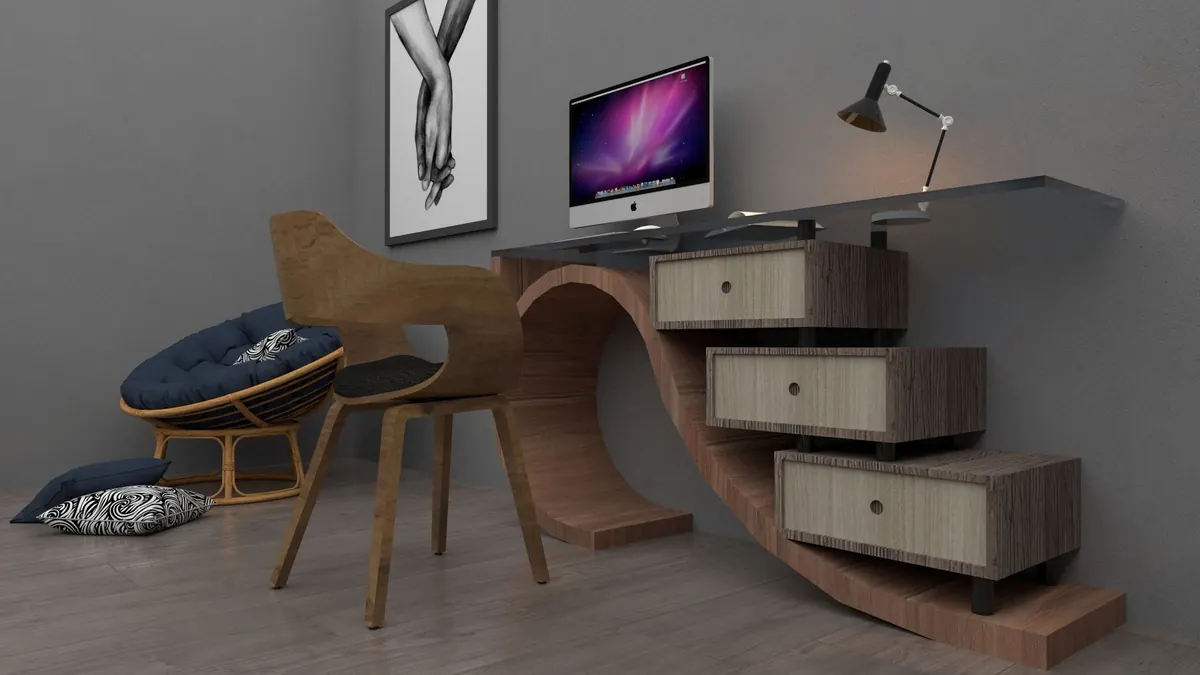
A depth of 60cm is the minimum for a monitor plus keyboard; 70cm is comfortable. Width matters less than people assume — 110 to 120cm is plenty for a laptop, a screen and a mug, provided you keep the surface clear. In a narrow room, a wall-mounted shelf desk at the right height frees the floor and makes the space feel twice as large. A drop-leaf table is a sensible compromise where the room has to do two jobs.
The chair
Buy the best adjustable chair you can justify and skip almost everything else. You want a seat height that puts your feet flat on the floor, a backrest that supports the curve of your lower back, and armrests that slide under the desk. If you use a laptop for long stretches, raise it on a stand and add a separate keyboard. Persistent neck, wrist or back pain is worth taking to a GP or physiotherapist rather than working around — small adjustments help, but ongoing pain is a medical question, not a furniture one.
Deal with the cables once, properly
Cable mess is what makes a small office feel chaotic. Sort it in one sitting and you will not think about it again.
- One surge-protected extension lead, mounted under the desk rather than lying on the floor.
- Velcro ties rather than cable ties, so you can change things later.
- Adhesive clips or a short length of trunking to run cables down a leg or along a skirting board.
- A lidded box for the charger, adapters and the spare HDMI cable.
- Labels on every power supply — they all look identical after a month.
If you use a laptop with a monitor, a single docking cable means one plug at the start of the day and one at the end. Keep the router out of cupboards and off the floor; brick and metal do Wi-Fi no favours, and a wired connection remains the most reliable option for video calls.
Light and sound for grey days
From October to March, most of us work in less light than we realise. A desk lamp with a warm-neutral bulb around 4000K, positioned to the side of the screen, removes the shadow your own head casts over the keyboard. Avoid bright overhead lighting directly above you, and keep cold blue light for the morning rather than the evening.
Sound is the other invisible problem. Bare walls, hard floors and big windows bounce every keystroke back at you. A rug, a pair of curtains and a bookcase do more for call quality than most acoustic products. If you share the house, a decent headset with a boom microphone is the best small purchase you can make.
Set storage limits, not storage systems
Clutter arrives as paper and chargers. Give both a hard limit: one drawer for paper, one small box for cables, nothing else. Scan anything you might need later and shred the rest. Keep only the project you are working on within reach; everything else goes on a shelf above head height or into a cupboard.
The one-in, one-out rule works well here. A new keyboard means the old one leaves the house, not the drawer. If you print rarely, a small wireless printer hidden in a cupboard beats one taking up half the desk.
Draw a line at the end of the day
Minimalism is as much about time as surfaces. Five minutes of tidying in the late afternoon — mug to the kitchen, notebook closed, laptop shut and put away — means the room is neutral when you next walk past it. If your desk sits in a living space, close the lid on a box, pull a curtain or fold the desk away. On days you are in the office, leave the surface completely empty. It is a small signal, but it stops work quietly filling the room.
Set it up in a weekend: five steps
- Clear the space completely and clean it. Note where the sockets, light and radiator are.
- Decide the desk position and mark it. Sit there for twenty minutes with a laptop and check the glare and the background for calls.
- Buy the chair first and the desk second, and nothing else until those are right.
- Run and label the cables, then hide them. Test the Wi-Fi and make a call.
- Add one lamp, one rug and one shelf. Stop there.
The best minimalist home office is the one you barely notice. If it holds a desk, a chair, a screen and a lamp, and it lets you finish work and shut the door, it is doing its job.
Photo: Pușcaș Adryan / Pexels